Apple Weather App
Track Weather on Specific Dates for Seamless Scheduling
Overview
This project was completed in Fall 2024 as part of the Major 1 Studio course in the MPS Communication Design program at Parsons School of Design
Design Challenge
Select an existing product and design a new feature to improve its functionality.
Timeline
Nov 4 - 29, 2024
Role
Product Designer
Skills
User Interview
Sketching
Design System
Industry
Sustainability
Tools
Figma
The Problem
Weather Uncertainty Makes Planning Difficult
The Solution
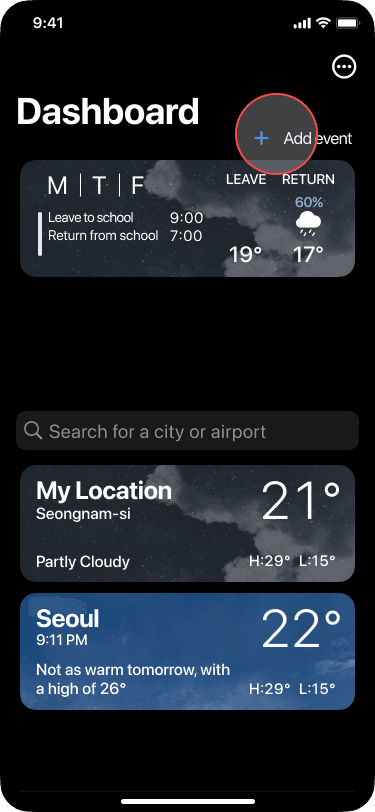
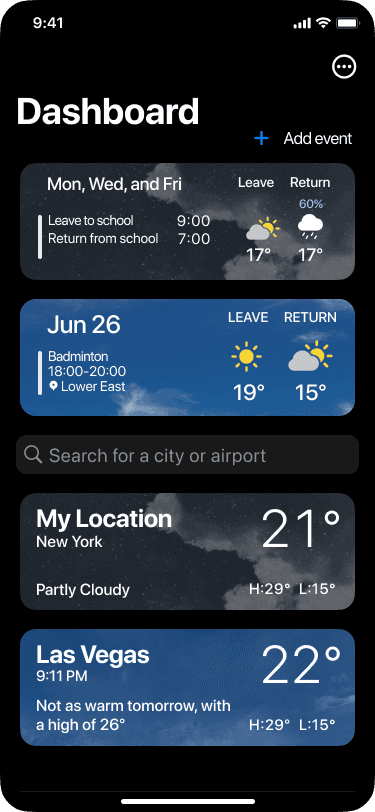
A personalized dashboard that allows users to manage and track weather conditions for their planned days

Pinned events at a glance
A personalized dashboard for users to monitor weather and plan ahead with greater efficiency
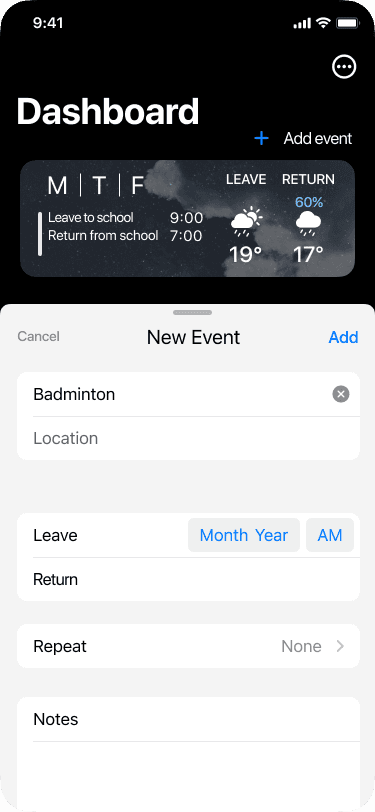
Easily add plans around the weather
Plan smarter with the weather in mind. Easily create events like workouts or meetups right from your forecast
Background
Understand the app and its purpose
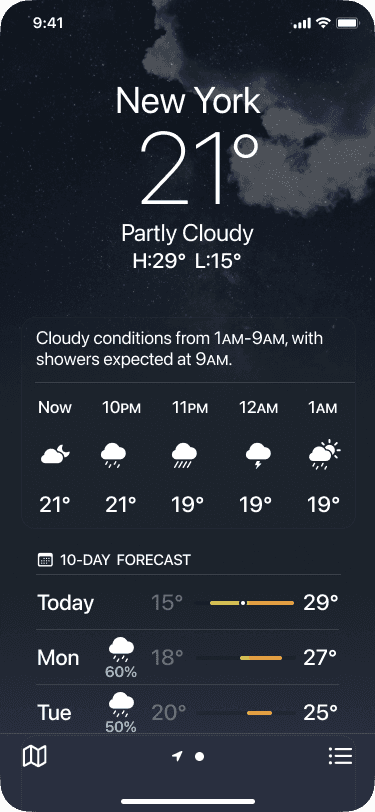
The Apple Weather app is a pre-installed app on iOS devices that provides users with real-time weather forecasts, hourly and 10-day outlooks, and details like temperature, precipitation, air quality, and more. While it's widely used for its simplicity and convenience, the app primarily serves as a static snapshot of weather conditions rather than a dynamic planning tool.
Before diving into my case study, I wanted to better understand how users interact with the app, its current limitations, and what role it plays in their day-to-day planning—especially when it comes to organizing events around unpredictable weather.
Discovery
How Might We transform the Apple Weather app into an engaging experience that enhances users’ daily lives?
Whether it’s a picnic or a weekend trip, I always check the weather ahead of time. Like many people, I rely on it to feel prepared—especially before stepping out. I use the Apple Weather app because it’s simple and already built into my phone.
But I started noticing a pattern: I’d plan something on my calendar, then constantly jump back to the weather app to see if conditions had changed. It made me wonder—why do I need to rely on separate tools to monitor the weather for something I’ve already planned? How do others stay updated without toggling between apps?
That curiosity led me to a new idea: What if checking the weather wasn’t just a one-time action, but a planning tool that evolves over time? A feature that lets users track weather changes for specific events—so they can stay informed, feel more prepared, and avoid surprises from last-minute forecast shifts.
Research
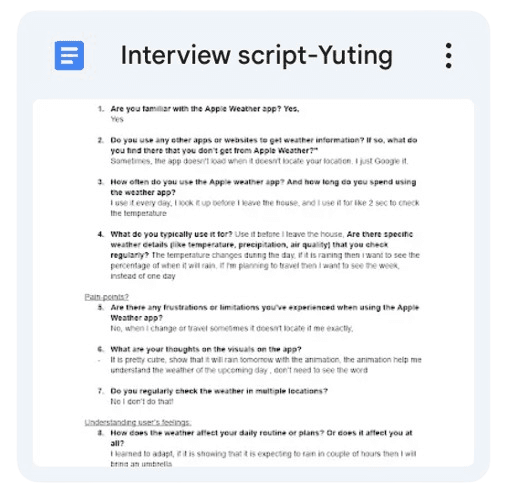
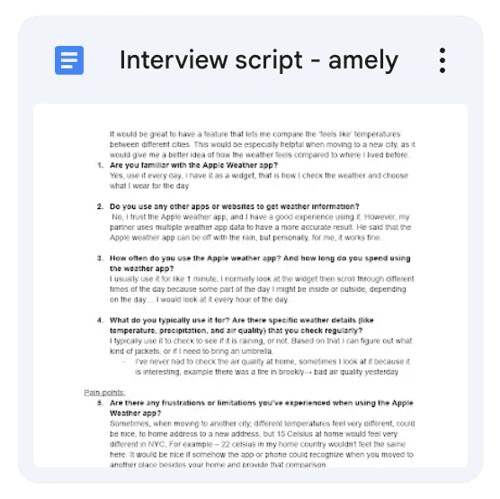
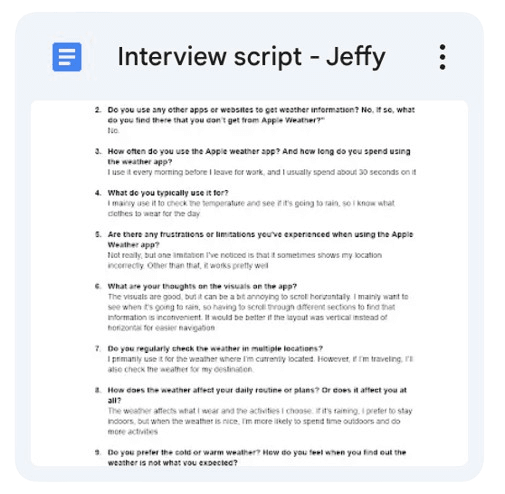
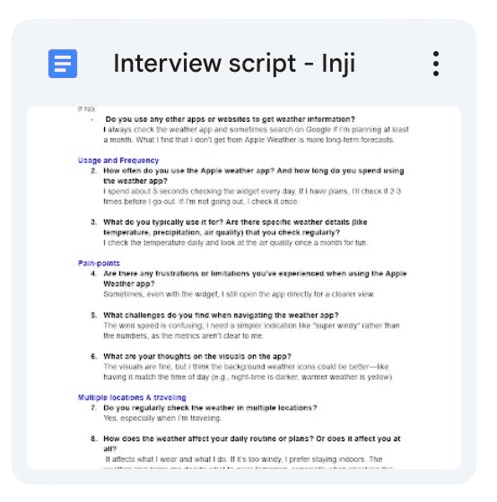
Understanding the problem through interviews
To understand how the Apple Weather app fits into daily planning, I spoke with users who rely on it to check forecasts before commuting, scheduling events, or deciding what to wear—uncovering the small decisions and routines shaped by weather updates.

Some key questions I aimed to explore were designed to better understand users’ behavioral patterns, planning habits, and their overall expectations when using the Weather app.
01
How often do they use the app, and in what contexts (time of day) ?
02
How do users currently plan events around weather forecast?
03
Do people want to spend more or less time on the Weather app?
Synthesis
Synethesizing Interviews
I learned that users often face uncertainty when planning events or activities, as the app lacks features to track weather tied to specific future dates.
Research
Who are the primary users?
Apple users
All Apple products include Apple's weather app
Daily Commuter
People that check the app for daily travel

Outdoor enthusiast
People who depend on real weather data to plan
Ideation
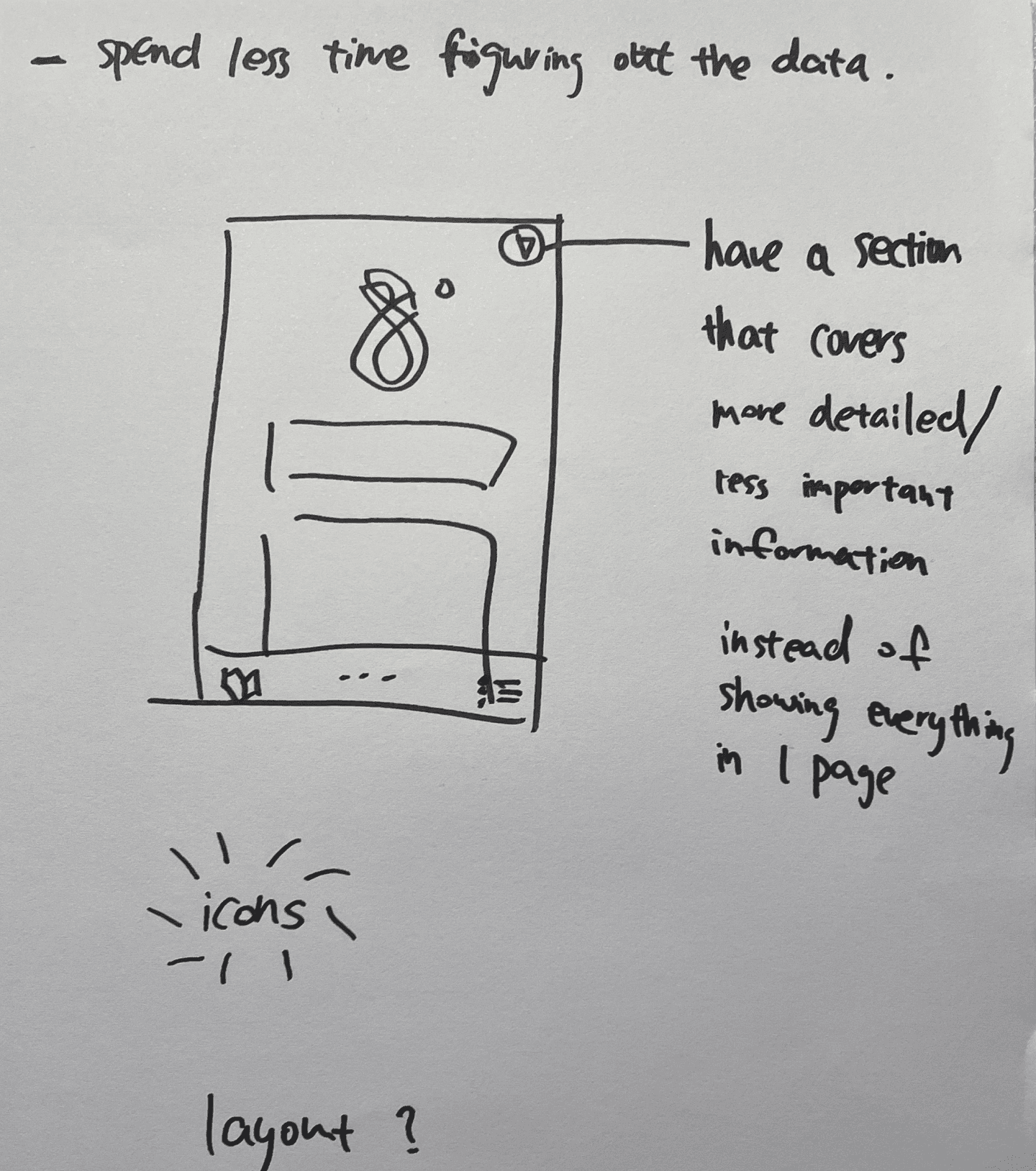
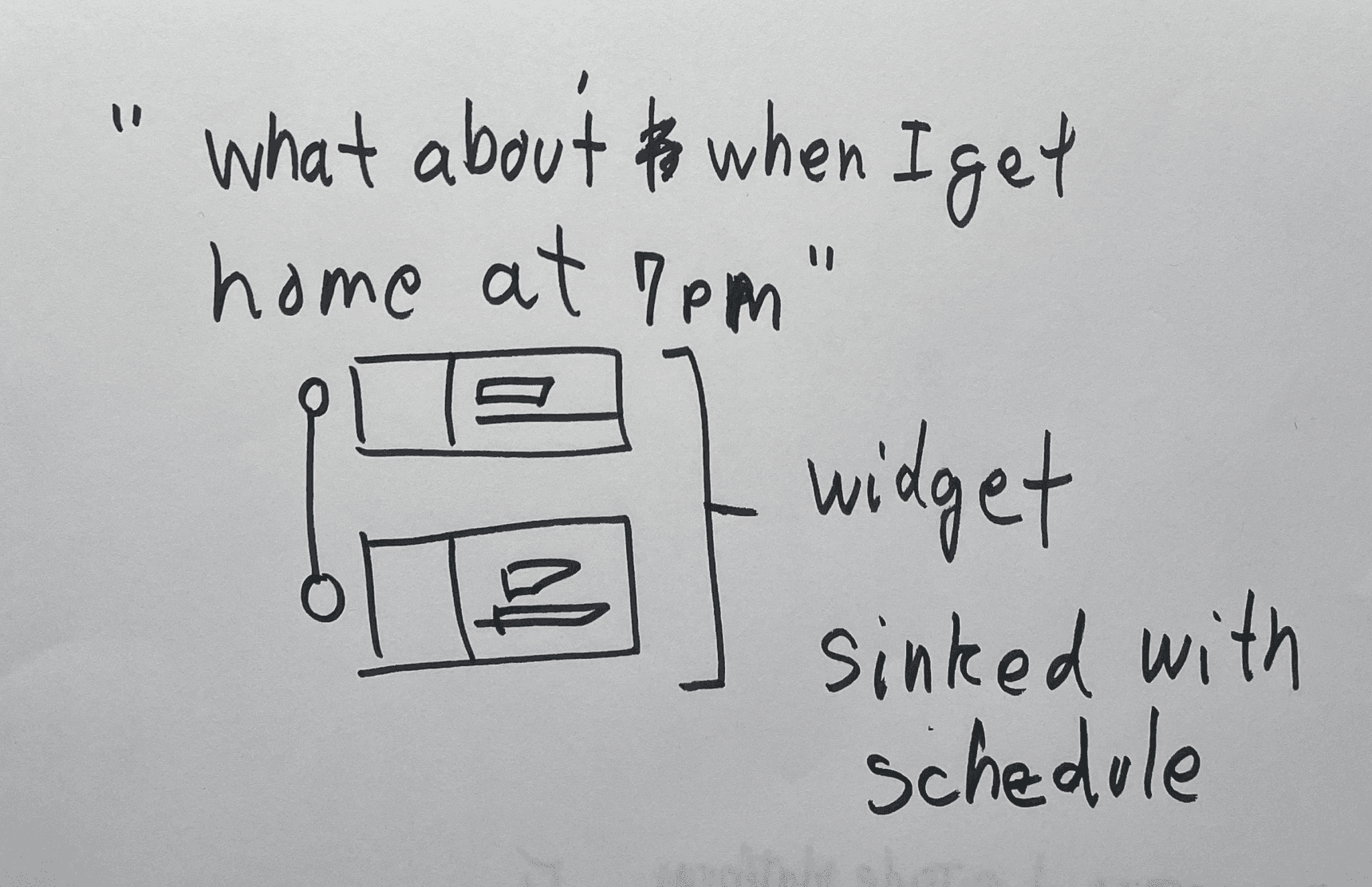
How Might We's Sketches
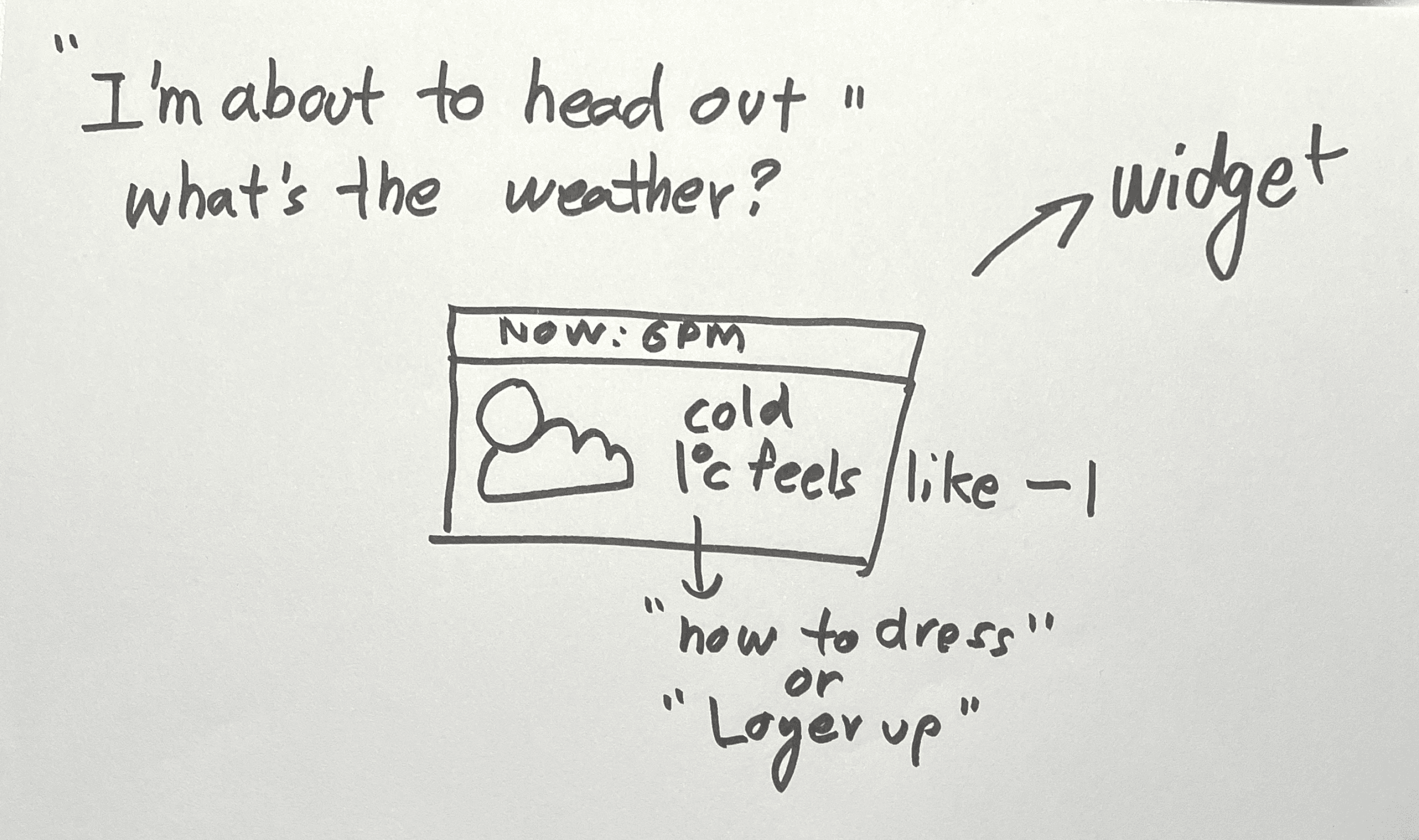
I facilitated a quick, fun design exercise with three classmates to generate a wide pool of ideas. Each participant chose one of three prompts and sketched their concept within five minutes, allowing us to explore diverse perspectives rapidly
Idea 1
Clean UI user-interface
Idea 2
A feature where user can sync with their calander/schedule
Ideation
Before & After (Site Map)
Building on these sketches, I created a streamlined site map to clarify the app’s flow, ensuring users could get the weather information they need quickly without unnecessary steps
Ideation
Low-Fidelity
I facilitated a quick, fun design exercise with three classmates to generate a wide pool of ideas. Each participant chose one of three prompts and sketched their concept within five minutes, allowing us to explore diverse perspectives rapidly
Ideation
Mid-Fidelity
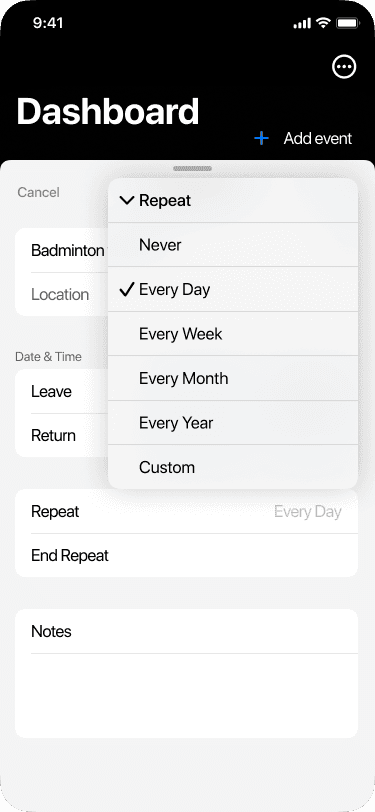
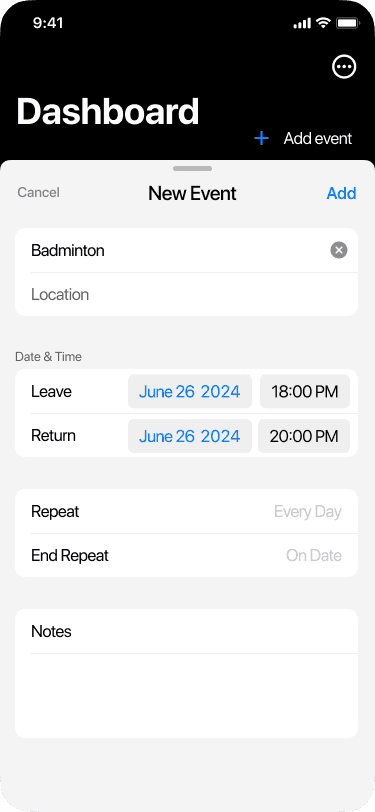
From having the revised site map, which made it easier to transition into mid-fidelity wireframes, allowing me to focus on refining interactions while keeping the user flow direct and intuitive.
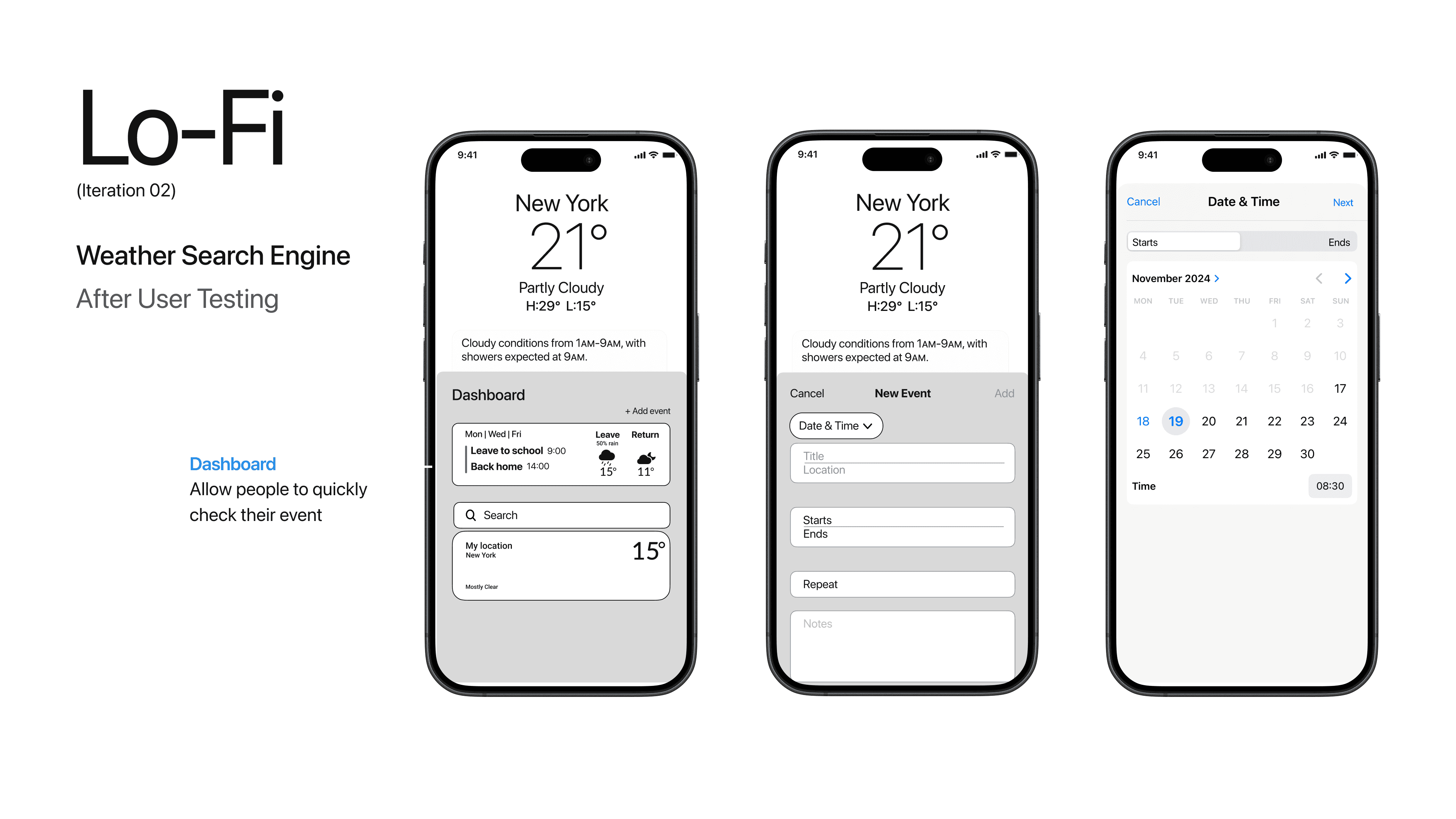
Usability Testing 01
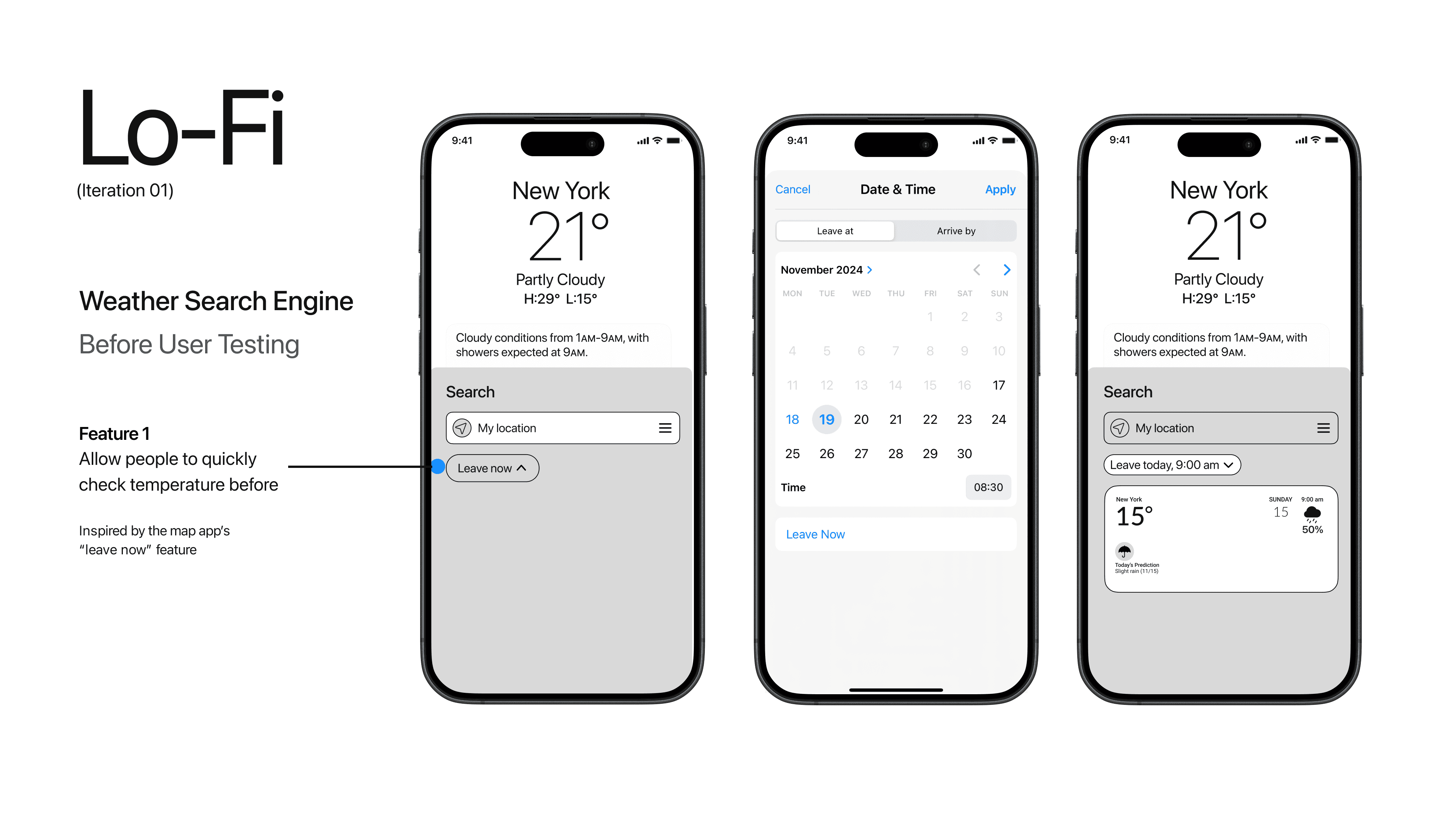
Usability Testing
The MID-fidelity designs show
Overall Reflection
What I learned about Designing with AI & Next Steps
I took ownership of translating the concept into a more structured, scalable product direction. My role focused on refining the experience, clarifying the value proposition, and strengthening the visual and interaction system to ensure it felt cohesive and intentional.
I translated a speculative AI ecosystem into a structured, scalable product direction.
I defined the behavioral loops, mapped intelligence touchpoints, and designed the end-to-end user flow that operationalized Posty’s reinforcement system.
Next Steps
The next phase would focus on validation, iteration, and scalability:
User Testing & Feedback Loops
Conduct usability testing to validate assumptions, uncover friction points, and refine flows.Feature Prioritization
Identify which features deliver the highest impact and streamline the MVP accordingly.Design System Expansion
Formalize reusable components and interaction patterns to support future growth.